All-in-one meeting platform.
Host the call and Dicta records it, transcribes it, and writes the summary. No guest accounts, no installs, no time limits.
One platform, not five tools
The problem
Recording, transcription, notes and follow-up tasks usually mean four separate subscriptions that don't talk to each other — and a meeting that has to be re-entered by hand into all of them.
Our solution
Dicta is the call, the recording, the transcript, the summary and the tasks in one place, on meeting servers we run ourselves rather than resell from someone else.
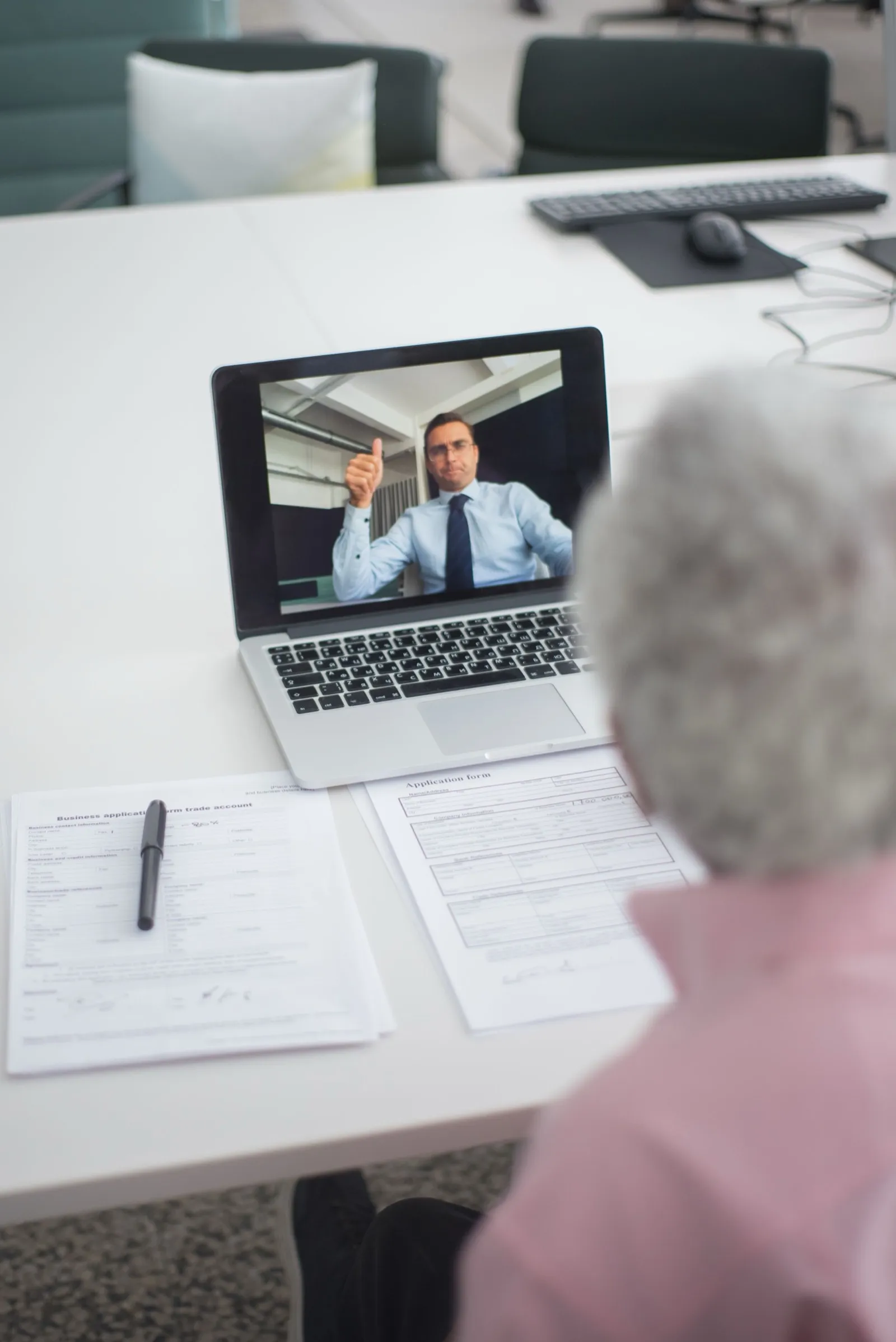
Transcription in any language
The problem
Taking notes during a meeting means you either listen or write — never both well.
Our solution
Dicta transcribes meetings in any language with high accuracy. Every person's words are captured and attributed to the right speaker.

A 1-hour meeting, read in 2 minutes
The problem
Hours of meetings every week — and from half of them you only needed the conclusions.
Our solution
Dicta prepares a full AI summary of every meeting: decisions, tasks and topics. Read it in 2 minutes — and search the recording by text to jump to the exact video moment.
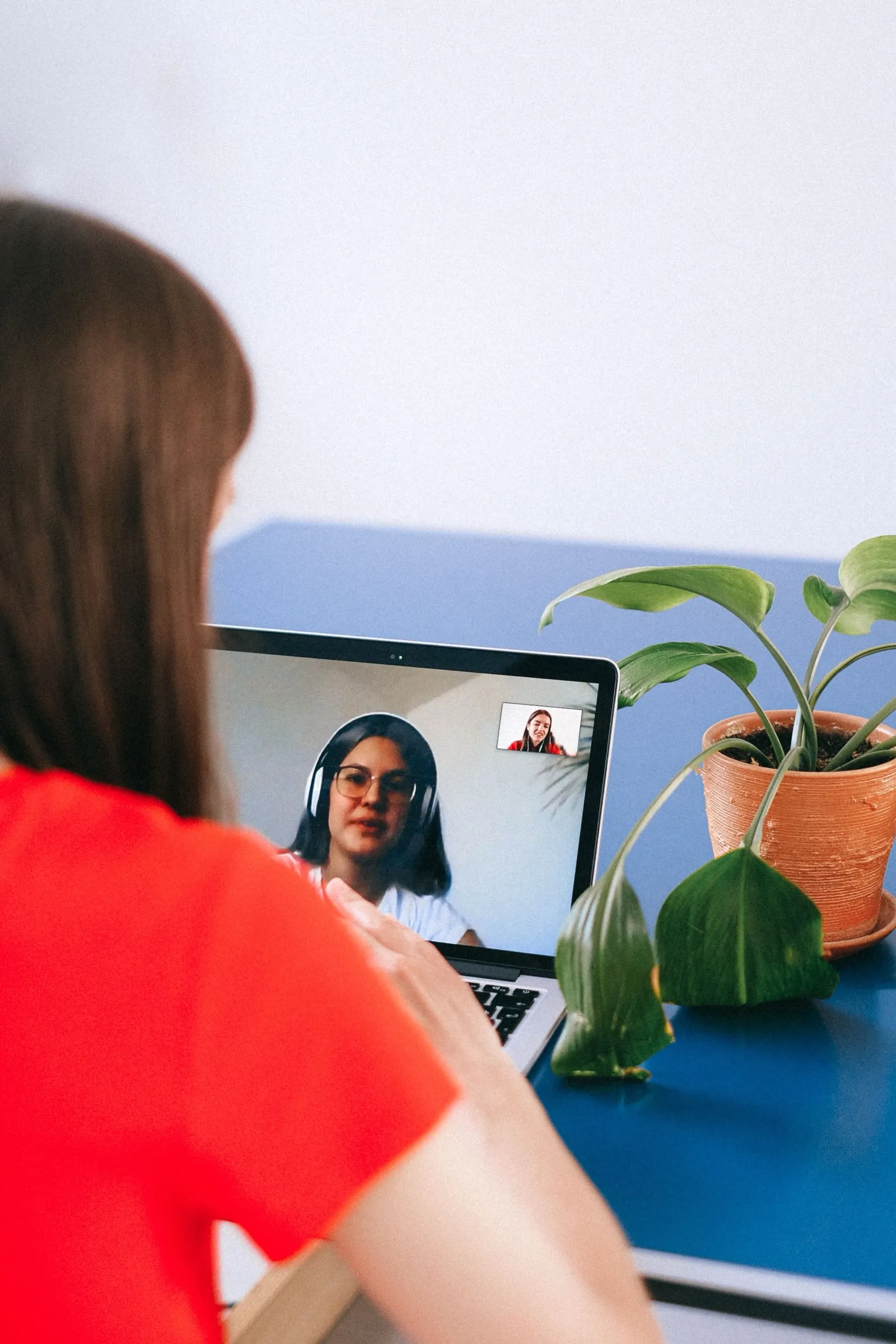
Tasks create themselves
The problem
After the meeting, someone still has to write down every task and assign it by hand. It's slow, and things get lost.
Our solution
Dicta creates tasks from the meeting automatically and assigns them to the right person. Works with Jira, Trello, Asana, ClickUp — or your own task platform.

Send a bot instead of yourself
The problem
Two meetings at the same time? No time to attend at all?
Our solution
Send a Dicta bot on your behalf. It joins Zoom, Google Meet and Teams meetings — and you still get the full transcription and AI summary.
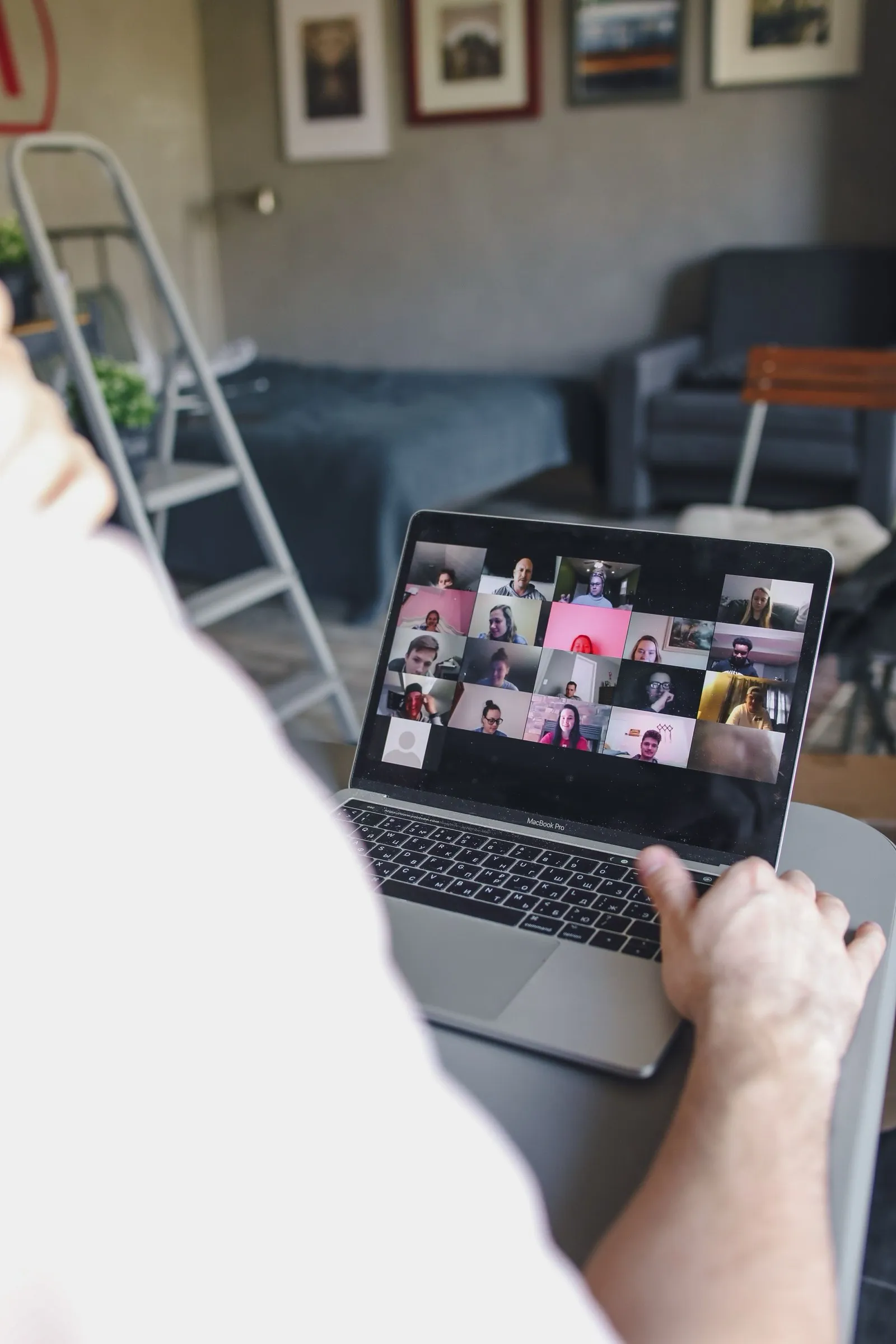
Dicta Desktop — no bots in the call
The problem
Don't want a visible bot sitting in your meetings?
Our solution
The Dicta desktop app detects when you join a call and records it for you. At the end you get the recording and the AI summary — and no one knows the meeting was recorded.
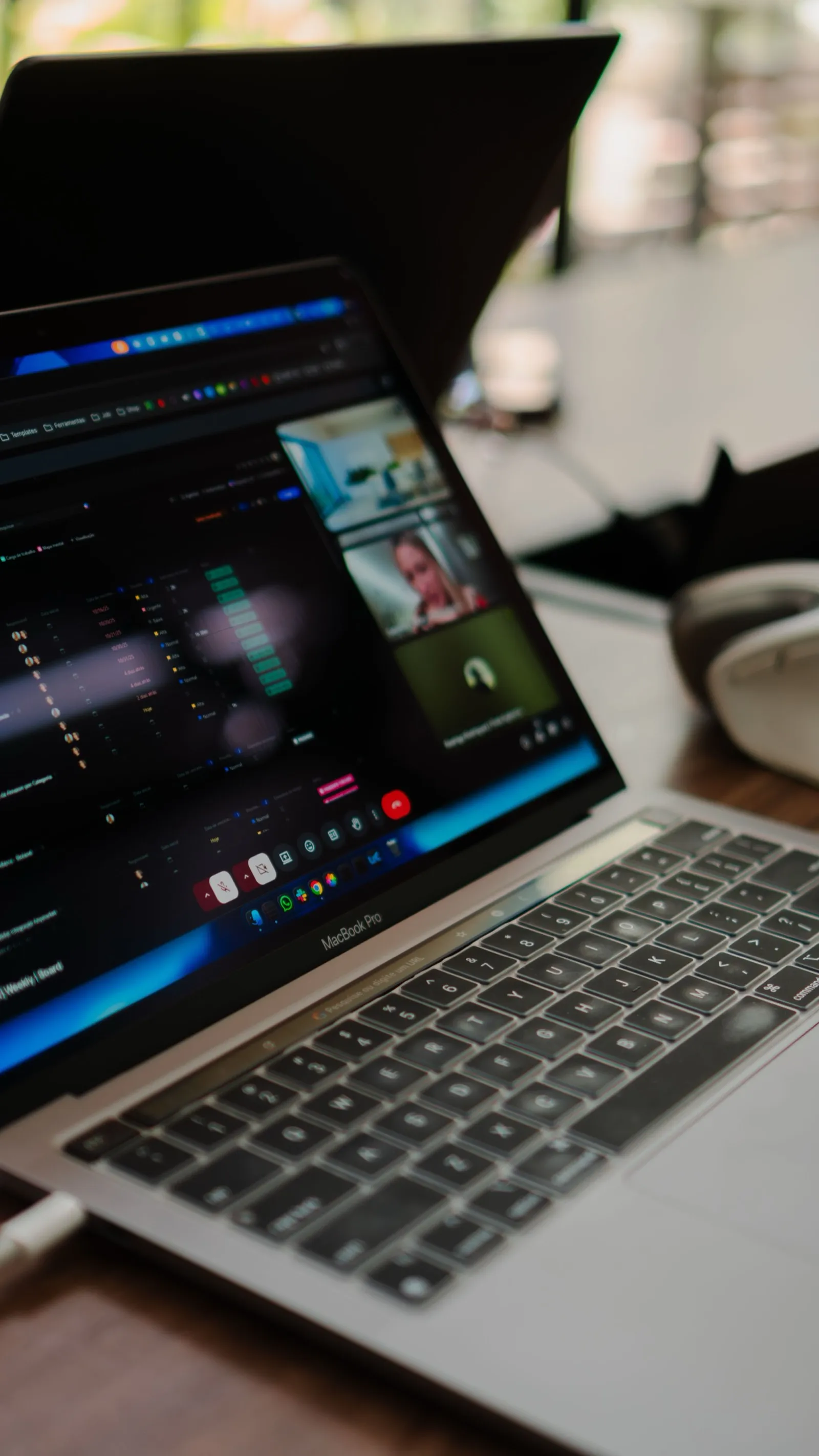
A mobile app for face-to-face meetings
The problem
Great ideas are born in face-to-face meetings — and get lost there too.
Our solution
Tap one button and Dicta records your in-person meeting. The app automatically detects different speakers and can identify who is talking by their voice.

All of this — at the lowest price on the market
Compare us with any competitor: accuracy, speed and privacy at the lowest price in the AI era. Try it — it's free, no card required.
Start free. Upgrade only if you need to.
Every team runs on a generous free tier. Move to a paid plan when you want more minutes, storage, and history.
Pro
Most popular500 min/mo
- 50 GB storage
- Keep history forever
- Standard support
Business
1250 min/mo
- 200 GB storage
- Keep history forever
- Priority support
Need more? One-time minute packs from 24 000 so'm — they never expire.
Every plan starts free. No card required.
Prices are shown in US dollars and exclude any local taxes.
Questions, answered.
What teams and executives ask before they put Dicta in front of their meetings.
What is Dicta?
Dicta is an all-in-one meeting platform. You host the call and Dicta records it, transcribes it, and writes the summary: decisions, tasks and topics. Guests join by link, with no guest accounts and nothing to install.
Does Dicta work for both online and in-person meetings?
Yes. Online calls can be held in Dicta itself or recorded in Zoom, Google Meet and Microsoft Teams. For face-to-face meetings, tap one button in the mobile app and Dicta records the room, detecting the different speakers automatically.
Can Dicta join Zoom, Google Meet or Teams calls?
Yes. Send a Dicta bot on your behalf. It joins Zoom, Google Meet and Microsoft Teams meetings, and you still get the full transcription and AI summary, even when you cannot attend.
How do free minutes and limits work?
Every team starts on the Free plan: 60 minutes per month, no card required. Paid plans raise the limit: Pro 500 min/mo, Business 1250 min/mo, Top 3500 min/mo. Plans also set storage and how long history is kept. Need more minutes? One-time minute packs never expire.
How is our data handled?
We do not sell your data, show advertising, or use your meetings to train AI models. Recordings sit in a private object store and are accessible only to the host. Producing a transcript and summary needs AI processing providers, so we ask for your permission before any of it happens; without consent, recording, transcription and AI features stay off. You can delete your data and account yourself, and we remove your account, transcripts and recordings within 30 days.
Contact sales, we reply personally.
Leave your details and our team will contact you. Or write to support@dicta.uz.
Thank you, request received.
Our team will contact you soon.